

 Digital asset management architecture forms the backbone of modern content operations. Companies managing thousands of files daily need structured systems that scale with their growth.
We at Web3 Enabler see organizations struggle with fragmented storage, security gaps, and inefficient workflows. The right architectural approach transforms chaos into streamlined operations that boost productivity and reduce costs.
Core Components of Digital Asset Management Architecture
Storage Infrastructure and Data Organization
Storage infrastructure controls how fast your team accesses files and determines your hosting costs. Amazon S3 charges $0.023 per GB for standard storage, while premium solutions like Adobe Experience Manager cost $50,000 annually for mid-size teams. Smart organizations implement tiered storage that automatically moves older assets to cheaper cold storage.
Metadata acts as your search engine – without structured systems, teams waste 2.5 hours weekly on file searches (according to IDC research). Set up automated metadata extraction for file types, creation dates, and usage rights from day one. This foundation prevents the chaos that destroys productivity later.
Security Architecture That Protects Assets
Multi-factor authentication is effective in securing data, with 92% of organizations believing it helps protect their systems. Role-based permissions prevent costly mistakes – marketing teams need read access to brand assets but shouldn’t modify legal documents. Version control tracks every change with user attribution.
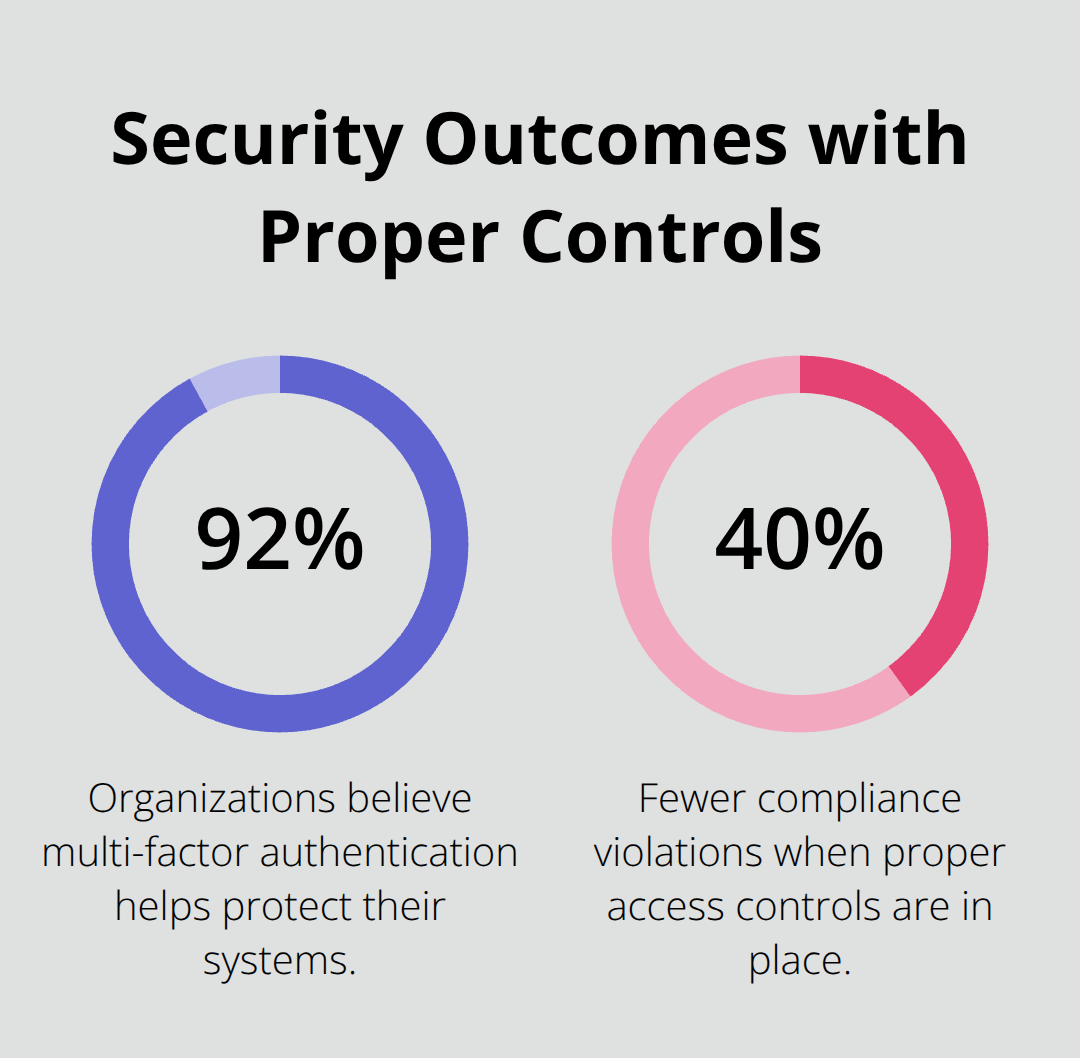
Companies with proper access controls experience 40% fewer compliance violations according to Ponemon Institute studies. Regular security audits catch vulnerabilities before they become breaches. Your backup strategy requires geographic distribution – store copies in at least two different regions to survive natural disasters or data center outages.
Integration Strategy for Maximum ROI
Your digital asset management system must connect with existing tools or adoption fails completely. Salesforce CRM integration allows sales teams to access approved presentations instantly. Adobe Creative Cloud connections speed up designer workflows by eliminating manual file transfers.
API-first platforms offer 140+ pre-built integrations (like Bynder provides), reducing implementation time from months to weeks. Single sign-on eliminates password fatigue that kills user adoption. Performance monitoring reveals which integrations create bottlenecks – fix slow connections before they frustrate users across departments.
These architectural components work together to create the foundation for effective asset management. The next step involves implementing best practices that maximize your investment and prepare your system for future growth.
Best Practices for Digital Asset Management Design
Scalability Planning and Future-Proofing
Plan for 10x growth to prevent expensive migrations later. Netflix processes 15 petabytes of content monthly – their initial architecture supports this massive scale because they built distributed storage from day one. Size your infrastructure for three times current capacity, then add automatic scaling triggers at 70% utilization.
Cloud storage costs drop 30% annually, but migration expenses can reach $500,000 for large libraries (according to Forrester research). Organizations that plan ahead avoid these costly transitions and maintain operational continuity during rapid growth phases.
Metadata Standards and Classification Systems
Consistent naming conventions reduce search time by 60% based on Aberdeen Group studies. Create mandatory fields for asset type, brand guidelines compliance, usage rights expiration, and project codes. Adobe Experience Manager users report 40% faster asset retrieval when metadata follows standardized taxonomies.

Automated tagging with AI reduces manual work – tools like Google Cloud Vision API extract text, faces, and objects from images with 95% accuracy. Train your team on metadata entry during onboarding because fixing inconsistent tags later costs 5x more effort.
Workflow Automation and User Experience Design
Approval workflows should mirror your actual business processes, not generic templates. Marketing teams waste 8 hours weekly on approval delays when workflows lack automatic routing based on file types and budget thresholds. Set up conditional logic – social media posts under $1,000 need manager approval, while major campaign assets require legal review.
Salesforce integration sends notifications to relevant stakeholders instantly. Failed workflows create user frustration that kills adoption rates. Monitor completion times and optimize paths that consistently exceed 48 hours. Smart organizations achieve 85% workflow completion rates when they design paths that match how teams actually work.
These design practices create the foundation for long-term success, but proper implementation requires strategic planning and careful technology selection to maximize your investment.
Implementation Strategies for Digital Asset Management
Start with Pilot Programs
Start with a single department to test your system before company-wide deployment. Microsoft rolled out their digital asset management to marketing first, which helped them identify workflow bottlenecks that would have affected 50,000 employees. Pilot programs reveal integration issues early – 48% of AI projects reach production, with the remainder stalling in pilot stages. Choose your most organized team as the pilot group because they provide cleaner feedback and faster adoption rates.
Select Your Technology Stack Wisely
Select vendors based on actual usage patterns, not feature lists. Bynder offers 140+ integrations, but most organizations use fewer than 12 connections regularly. Test API response times during peak hours – slow integrations kill productivity when teams wait 30 seconds for file previews. Adobe Experience Manager handles enterprise loads but costs $50,000 annually while smaller teams succeed with $10,000 solutions. Request proof-of-concept deployments with your actual file types and user volumes before you sign contracts.
Manage Change Across Teams
Train power users first, then let them teach their colleagues. Organizations with peer-to-peer training achieve 40% higher adoption rates than those relying solely on vendor documentation. Schedule hands-on workshops during the first month – teams that receive interactive training complete 85% more tasks successfully. Address resistance early because skeptical users influence entire departments. Create quick-win scenarios that demonstrate immediate value to build momentum across your organization.
Monitor Performance Metrics
Track user adoption weekly during the first 90 days because low engagement becomes permanent without intervention. Organizations that achieve 85% adoption rates send usage reports to managers monthly and provide additional training when adoption drops below 70%. Monitor storage costs – automatic compression reduces expenses by 40% without quality loss.

Set alerts when response times exceed 3 seconds because users abandon slow systems. Performance degrades gradually, so monthly audits catch problems before they impact productivity across departments.
Final Thoughts
Successful digital asset management architecture requires careful planning across storage, security, and integration components. Organizations that implement structured metadata systems reduce file search time by 60%, while proper workflow automation eliminates the 8 hours weekly teams waste on approval delays. The financial benefits compound over time as companies with optimized systems report 40% fewer compliance violations and significant cost reductions through automated storage tiering.
Netflix’s distributed approach handles 15 petabytes monthly because they built for scale from day one. Your implementation success depends on pilot programs and technology selection that matches actual usage patterns. Organizations that achieve 85% adoption rates focus on peer-to-peer training and monitor performance metrics during the first 90 days (when engagement patterns become permanent).
For businesses that manage digital assets within Salesforce environments, Web3 Enabler provides native blockchain integration that connects cryptocurrency transactions to your existing corporate infrastructure. This seamless connection enables faster global payments while maintaining the security and scalability your organization requires. Start your digital asset management architecture planning by assessing current storage costs and user workflows, then document integration requirements early because API connections determine long-term success more than feature lists.